Open-source smart-mirror for the home

The family dashboard you can actually talk to.

Family Hub is a warm, wall-mounted home dashboard that runs on a Raspberry Pi — weather, calendars, to-dos and an AI assistant, all in one hearth-lit place. Every panel is a plug-in module, and the assistant can drive any of them.

Runs offline on a Pi · Node for dev, Bun in production · MIT-spirited
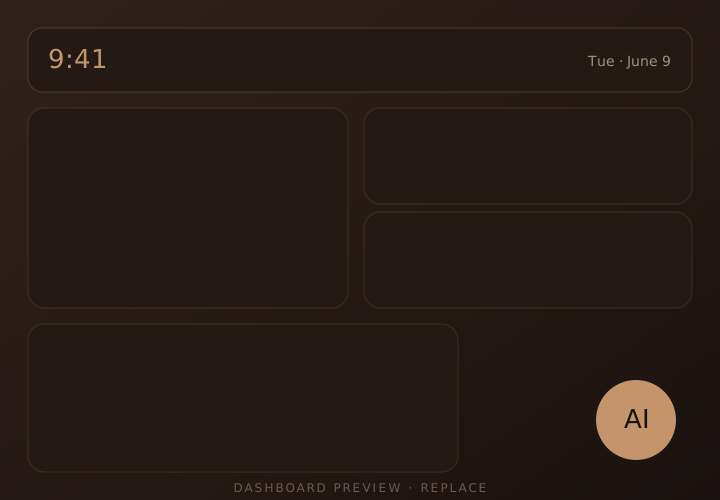
Family Hub dashboard on a wall-mounted display

AI-driven management

One assistant that runs the whole wall.

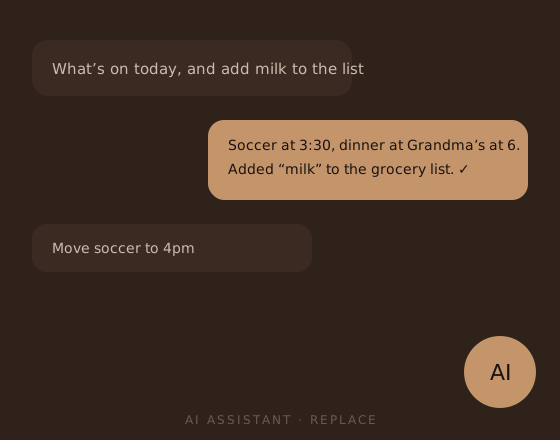
Ask in plain language — “what’s on today?”, “add milk to the list”, “move soccer to 4pm” — and the assistant does it. It reads a live registry of every panel’s capabilities, so it works with built-in widgets and any custom module you add, with zero extra wiring.

  • Talk or type to add events, tasks, and reminders
  • Every module that registers a capability instantly extends what the AI can do
  • Powered by Claude — bring your own API key, your data stays home
AI assistant conversation controlling dashboard panels

100% customizable

Your home, your layout — more than one view.

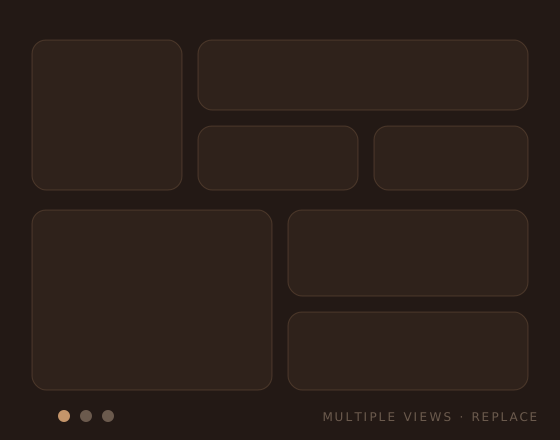
Drag panels where you want them and size them to fit your wall. Build multiple dashboards — a busy morning view, a quiet evening view, a kids’ view — and switch between them. Nothing is hard-coded; the layout is yours.

  • Multiple dashboard views, switchable on the fly
  • Per-panel sizing and placement on a flexible grid
  • Settings live on each card — no config files required
Multiple customizable dashboard layouts

In the box

Useful from the first boot.

Family Hub ships with the panels a household actually reaches for — already wired to the real services, not just mock data.

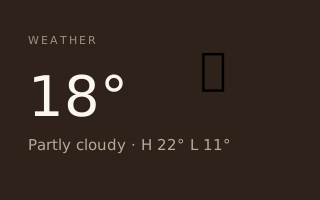
Weather panel preview

Weather

Local forecast via Open-Meteo — no API key. Night-aware icons, highs & lows, UV, °C or °F.

Shipped
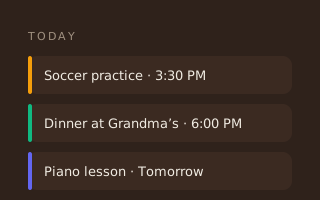
Google Calendar panel preview
📅

Google Calendar

Connect Google accounts and ICS subscriptions. Merged, day-grouped agenda with event creation.

Shipped
Google Tasks panel preview

Google Tasks

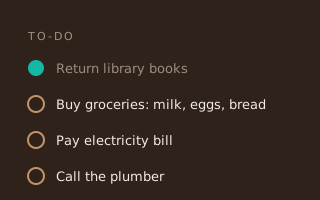
Shared family to-dos synced with Google Tasks — check things off from the wall or your phone.

Shipped

Build your own

A module is a folder. Scaffold one in seconds.

Drop a folder under modules/ with a manifest and a panel, and the core loads it at boot. Generators kickstart the boilerplate so you write only the interesting part — and any capability you register is automatically AI-assistable.

  • Generators scaffold manifest, backend, and frontend
  • Optionally expose capabilities the assistant can call
  • TypeScript end-to-end; talk to the core through one clean context
# scaffold a new panel
$ pnpm gen:module chores

# manifest.ts — the whole contract
export default {
  name: "chores",
  title: "Chore Wheel",
  hasFrontend: true,
  hasBackend: true,
}

# register a capability → the AI can now use it
ctx.capabilities.register({
  name: "assign_chore",
  description: "Assign a chore to a family member",
  handler,
})

Hands-on

An interactive hub — not a read-only display.

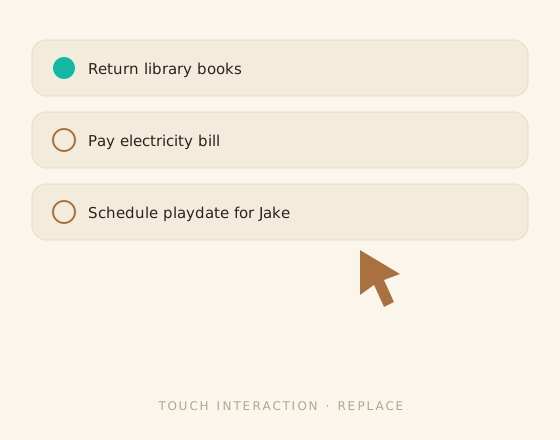
Most smart mirrors just show you things. Family Hub talks back. Tap a task to complete it, add an event right on the glass, ask the assistant a question — every change syncs live across the screen over WebSockets.

  • Touch-friendly: check off tasks and add events on the wall
  • Live updates pushed in real time — no refresh
  • Optimistic UI so the screen feels instant
Touch interaction on the dashboard

Designed with taste

Opinionated by default. Yours in a few colors.

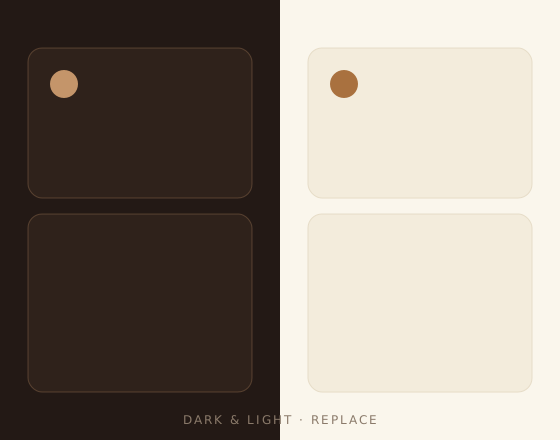
Family Hub looks like a hearth, not a server rack — warm copper on dark brown, serif accents, soft panels. It’s a considered design out of the box, but the whole palette lives in one theme file. Change a handful of colors and the entire hub follows.

  • Warm “hearth” theme ships dark and light
  • Re-theme everything from a single CSS file
Theme variations of the dashboard

Get started

Hang a little warmth on the wall.

Clone the repo, run pnpm dev, and open it on any screen. When you’re ready, point it at a Raspberry Pi and let it run the household.