Watch your friends play, at the quality they play at.
Private rooms where everyone can stream at once, at whatever resolution and frame rate they choose, and each viewer picks what they watch. You host it on your own Cloudflare account, so there's no subscription and no per-seat fee.
Tired of Discord's 720p30 screen share? Keep the Discord call for voice and watch each other here instead, no Nitro needed.
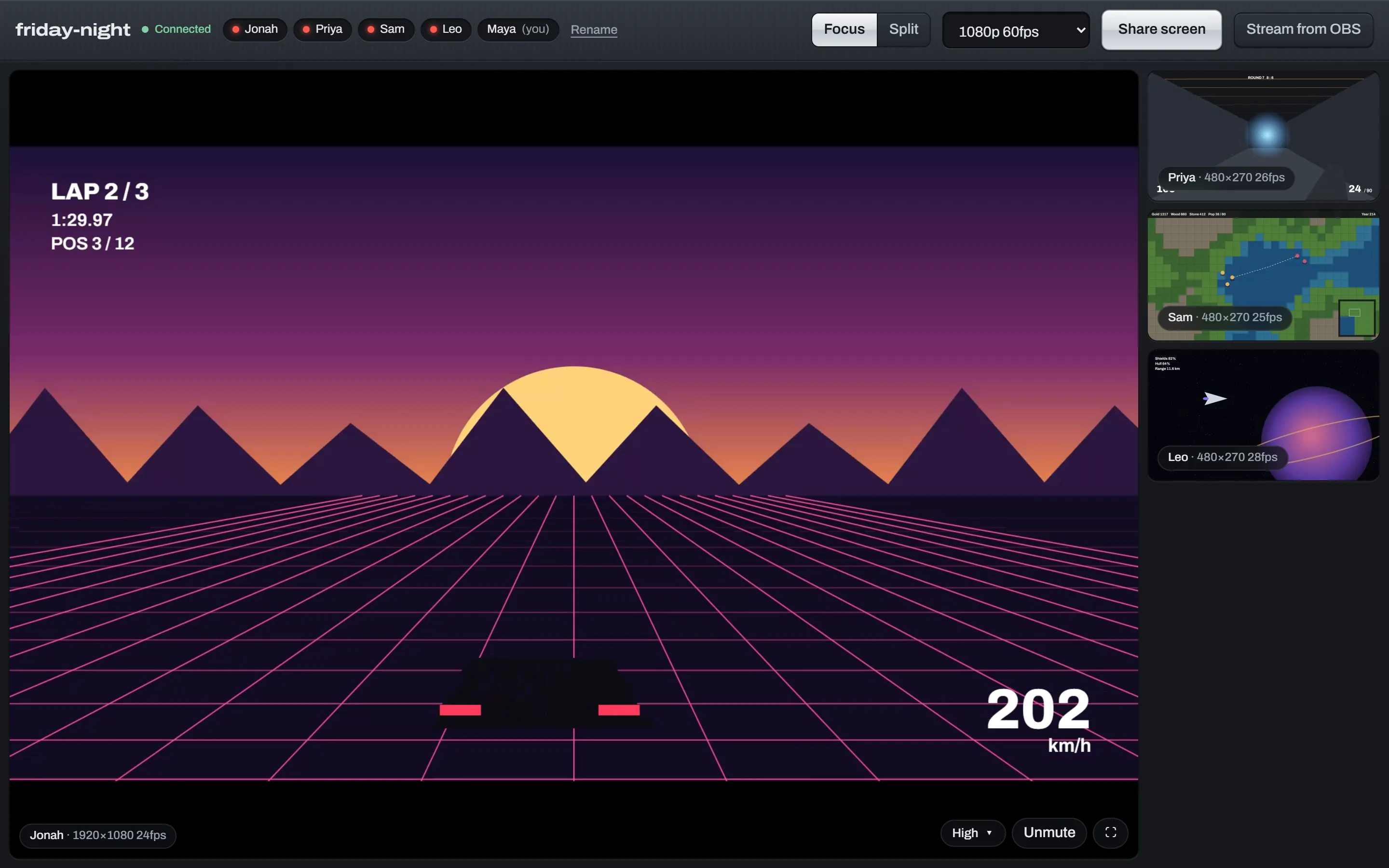
- Everyone streamsShare a game each, all at once
- Any resolution, any frame rateYou pick; your upload is the only limit
- Link-only roomsNo accounts, no sign-ups
- MIT licensedYour server, your rules
Keep the call. Move the streams.
Discord is great for talking. Its screen share tops out at 720p and 30 frames a second unless whoever is streaming pays for Nitro, and even then it stops at 1080p60.
| Discord | Discord Nitro | stream | |
|---|---|---|---|
| Stream quality | 720p, 30fps | 1080p, 60fps | Whatever you send: 1440p, 4K, 120fps and up |
| Price | Free | $9.99 a month, per streamer | Free for about 1,000 GB watched a month, then $0.05 per GB |
| Voice chat | Yes | Yes | Keep using Discord |
Discord limits as of November 2026. stream isn't affiliated with Discord.
Built for watching, not broadcasting.
Streaming sites are made for one streamer and a crowd. This is made for four friends on a call who want to see each other's screens properly.
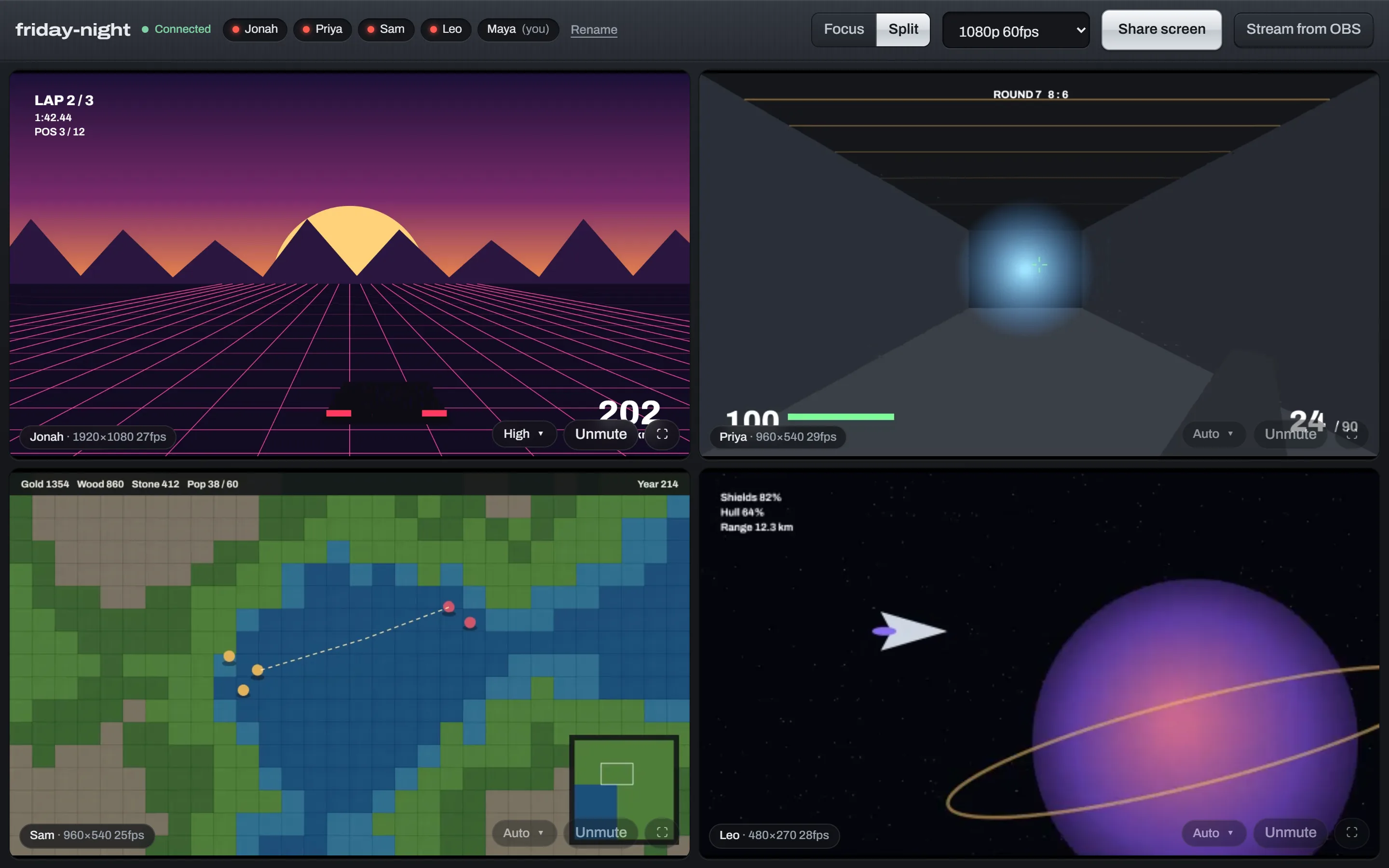
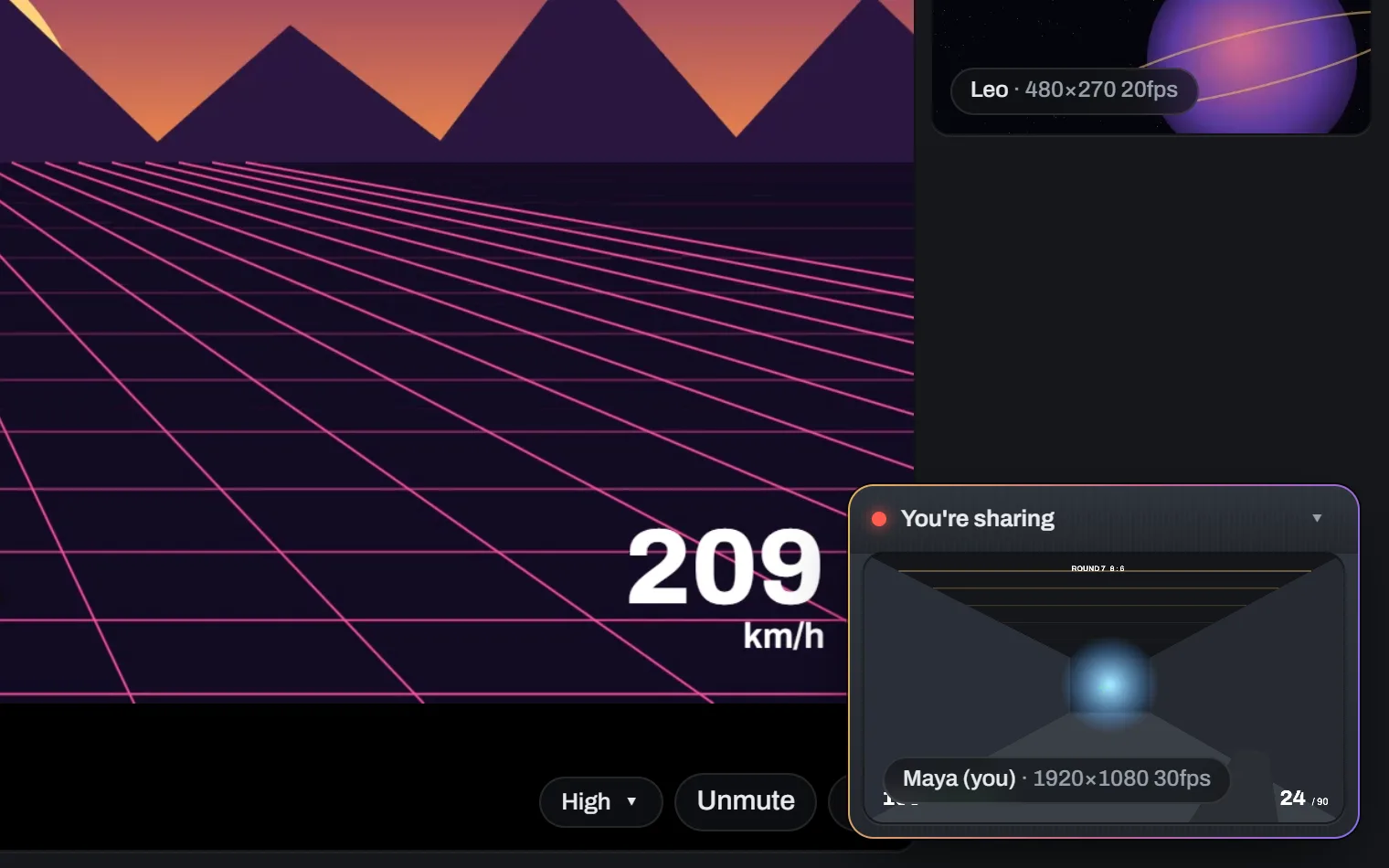
Stream from OBS when the browser isn't enough.
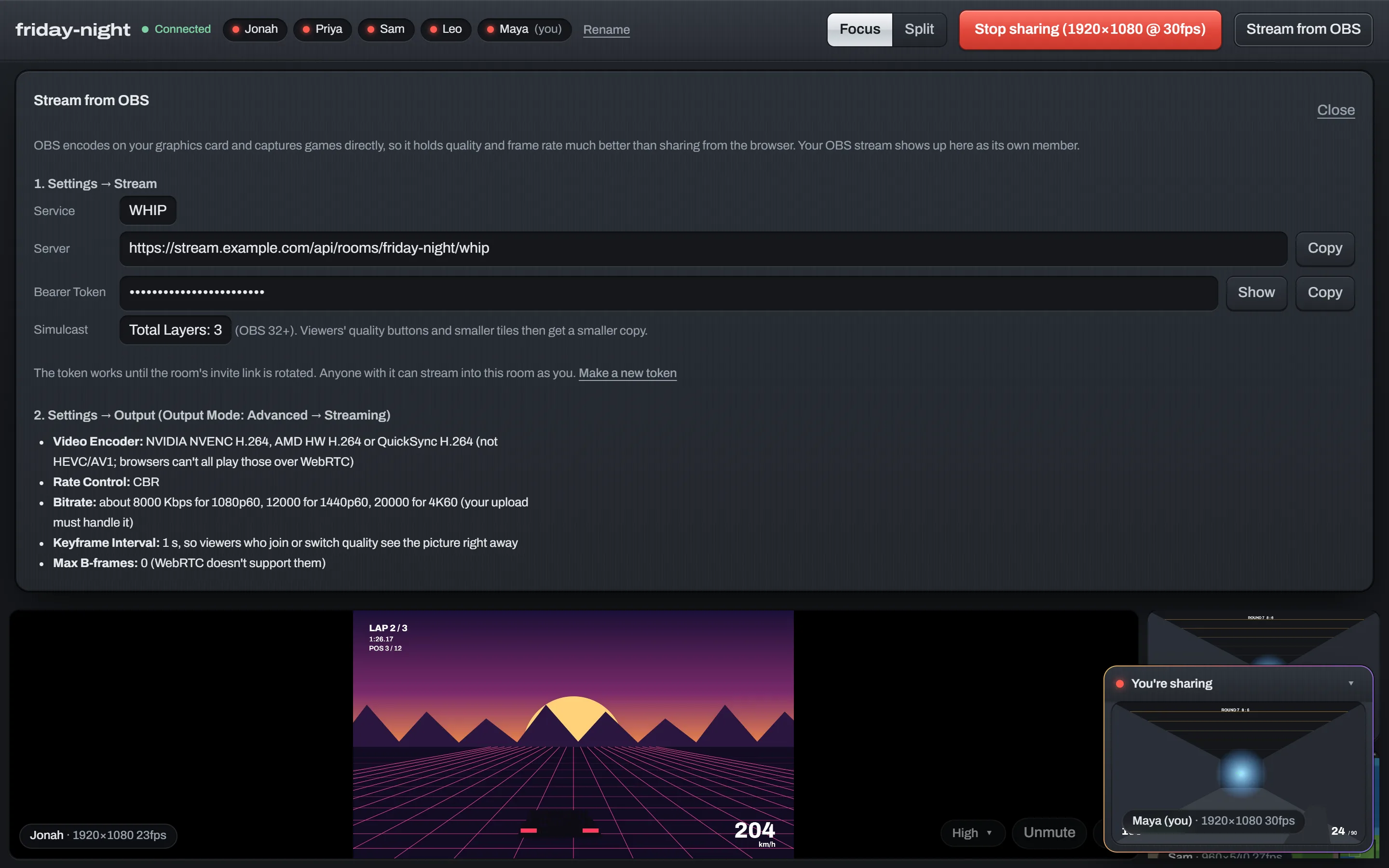
Browsers throttle screen capture while your game has focus. OBS doesn't. Paste the room's server and token into OBS and your game goes out on your graphics card's encoder.
- WHIP built into OBS 30+, nothing to install
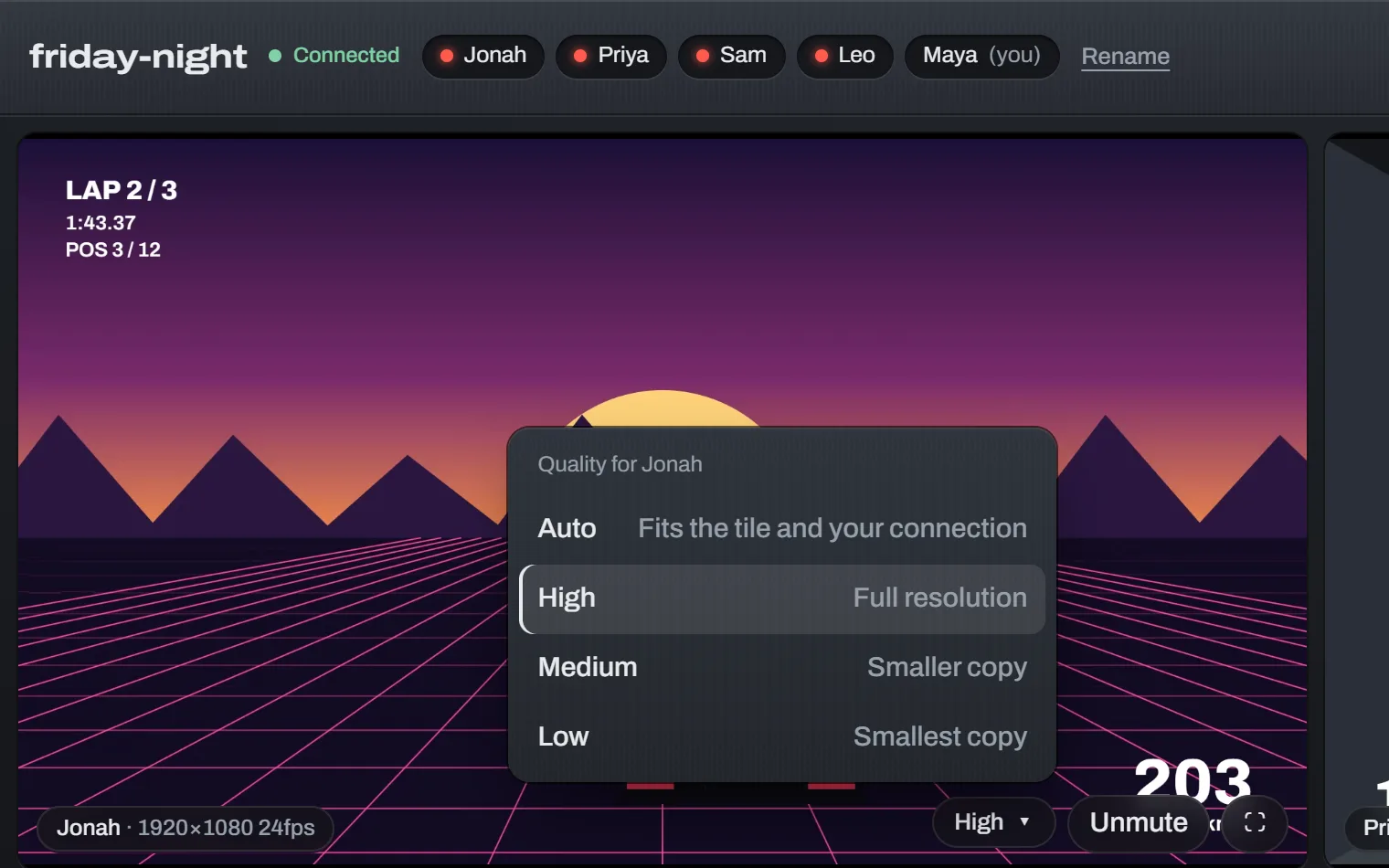
- Three simulcast layers on OBS 32+, so viewers still get Auto quality
- Capture game audio only, keep voice chat off the stream
- Each person gets their own token, revoked when the link rotates
You pay Cloudflare for what's watched. Usually nothing.
Five friends, a five-hour evening, each watching a 1080p60 stream.
That's about a dozen evenings a month before the first cent. After that it's $0.05 per GB. Streaming out is free; only what viewers receive counts.
| Watching | Per viewer, per hour |
|---|---|
| 4K60 | ~8 GB |
| 1440p60 | ~4 GB |
| 1080p60 | ~3 GB |
| A thumbnail | ~0.3 GB |
| Tab in the background | ~0.05 GB |
Idle rooms, and streams nobody is watching, cost nothing. Hidden tabs drop to audio after 15 seconds.
Running in about ten minutes.
-
Create a Realtime app
In the Cloudflare dashboard, open Realtime → Serverless SFU and create an app. Keep its App ID and App Secret handy.
-
Deploy
Press Deploy to Cloudflare, paste the two Realtime values and a creator key you make up. Or clone the repo and run
npm run deploy. -
Make a room, send the link
Open your site, enter the creator key, name a room. Anyone with the invite link can join. Rotate it to lock everyone out.
You need a free Cloudflare account with a payment method on file; Cloudflare asks for one before turning on Realtime. Updating later is one click in your copy's Actions tab; see how.